 Morning Brief
Your whole day, out loud, in two minutes.
Weather, agenda, commute, headlines and markets — gathered from your own data and read to you while you drink your coffee. No feed to scroll.
Generated on your device. No account, no server, no tracking.
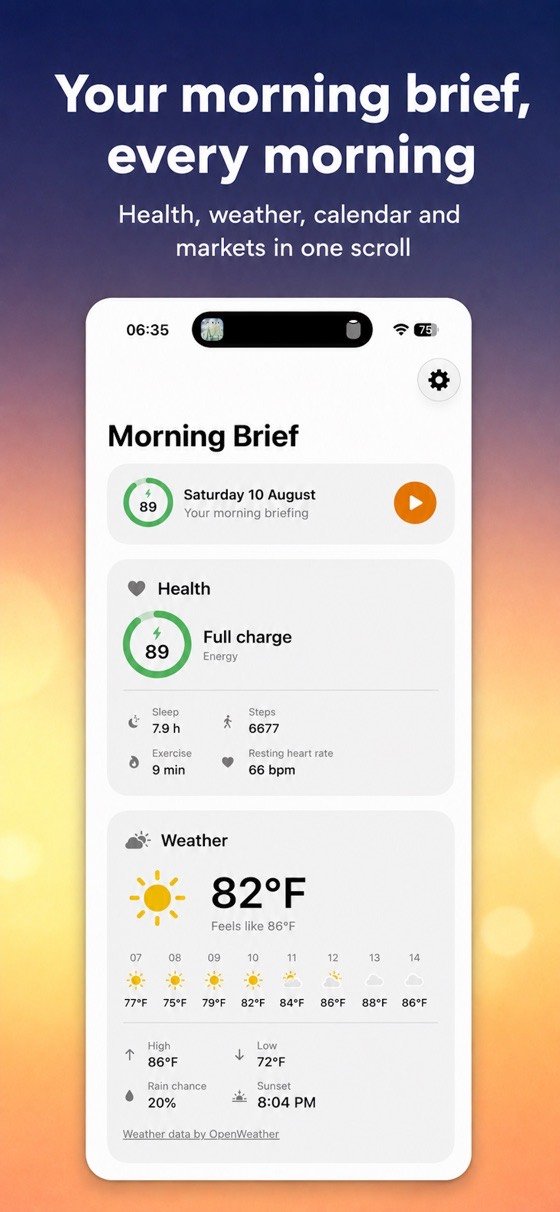
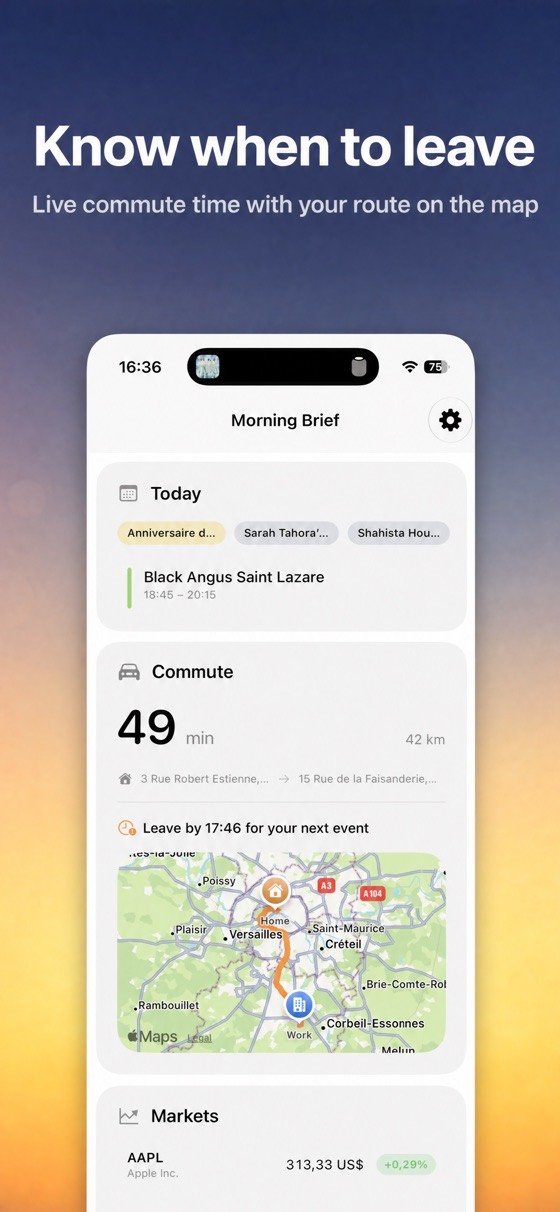
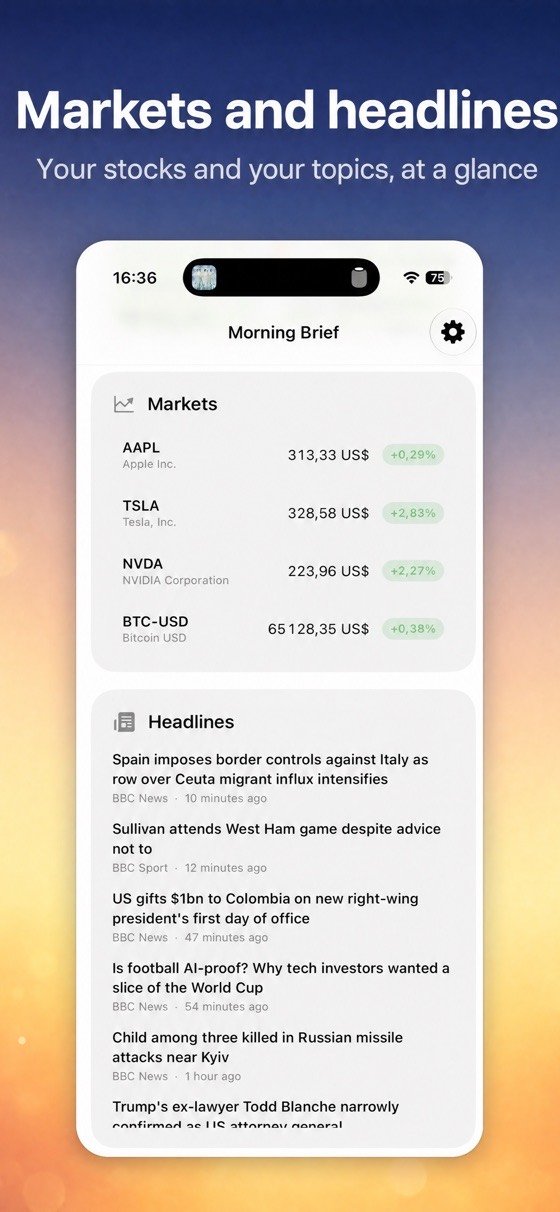
You reach for the phone before you are properly awake, open three apps, read none of them, and arrive at breakfast having absorbed nothing. The first ten minutes of the day are the easiest to lose and the hardest to get back.
Put it on, and listen.
There is nothing to read, nothing to swipe and nothing to dismiss. It talks, and the relevant panel moves to the front as it does.
Pick your time
A gentle notification when you want it. Or just say: Hey Siri, start my Morning Brief.
Your day appears
Weather, agenda, commute, headlines, markets and — if you want — sleep and steps.
It reads itself to you
A short, warm briefing written from your actual data, generated on the device, in about two minutes.
Six panels, one at a time.
As the voice moves from topic to topic, the matching panel glides to the centre — the chart switches to the company being discussed, the route appears when it is time to leave.
- Weather — current conditions, hourly forecast, highs and lows.
- Agenda — every event of the day, on a floating 3D timeline.
- Commute — travel time and a route map from home to work.
- Headlines — your topics, readable in a built-in browser.
- Markets — your stocks, indices and crypto.
- Health (optional) — sleep, steps and an energy score, computed on device.
A routine, not just a briefing.
Your own checklist
Build the steps of your own morning and tick them off. Streaks, perfect days and stats for the ritual you are building.
Morning and evening
After 5pm the Evening Brief previews tomorrow, so the day ends where the next one starts.
On the Home Screen
Widgets for iPhone and StandBy on your nightstand, so it is there before you open anything.
Calm by design.
On Apple Vision Pro the panels surround you. On iPhone the same ritual becomes a scroll of cards, with the briefing highlighting each topic as it speaks.
Mornings that hold.
What the research actually says about morning routines, and why the first ten minutes matter more than the rest.

Good to know.
What does it cost?
The app is free to download and free to use. Premium is optional, at $1.99 a month or $8.99 a year, and unlocks the full set of panels and customisation.
Does my data leave the device?
The briefing is generated entirely on device, and your calendar, addresses and health data never leave it. Weather, news and market data are fetched anonymously, straight from their sources. There is no account and no server holding your day.
Do I need an Apple Vision Pro?
No. The app works on iPhone with the same spoken briefing — your day as a scroll of cards, plus widgets and StandBy. On Vision Pro the same content is staged around you in space.
What generates the briefing?
Apple Intelligence writes it from your own data where available, with a built-in fallback otherwise. Either way the text is produced on the device.
Can I ask Siri for it?
Yes — “Hey Siri, start my Morning Brief” opens the whole scene in one gesture.
Start tomorrow differently.
Two minutes, spoken, and the day is already in order.
Download on the App Store